
Remote Security Monitoring: How Bangladesh Security Managers Oversee Multiple Sites from One Dashboard
Author
SSAL Expert TeamPublished
A security manager responsible for 30 bank branches spread across Dhaka, Chattogram, and Sylhet cannot be physically present at every site. Travelling between locations takes time, costs money, and means that during travel, no experienced eye is on the security picture at any location. For organisations with multiple sites — banks with branch networks, retail chains, garment groups with multiple factories, NGOs with regional offices — this physical limitation has historically meant that security oversight is either expensive (large security teams) or incomplete (sites only inspected periodically).
Remote security monitoring changes this equation. Using the network infrastructure that Bangladesh's telecommunications market now makes widely available, a security manager can view live camera feeds from every site, check recording status, review access control events, and receive real-time alerts — all from a single workstation in a central office, or from a smartphone anywhere in the country. This article explains how remote monitoring works, what it requires, and what Bangladesh organisations with multiple sites should know before deploying it.
The Multi-Site Challenge: What Security Managers Are Up Against
Before discussing the solution, it is worth being specific about the problem. Multi-site security management in Bangladesh involves several compounding challenges:
Geographic distribution — Bangladesh's road infrastructure means that travel between Dhaka and Chattogram takes 4-5 hours by road (or requires domestic flights). Even within Dhaka, traffic congestion means that visiting multiple sites in a single day is often impractical.
Variable site security maturity — In any branch network, some sites will have well-maintained systems operated by competent local staff, and others will have neglected systems operated by staff who do not know how to use them properly. Remote monitoring allows the central security team to identify and address these inconsistencies without requiring physical visits to every site.
Delayed incident discovery — Without remote monitoring, a failed camera, a full NVR (stopped recording due to storage being full), or an access control system offline may go undetected for days until the local security guard (who may not know how to diagnose the fault) reports it. By then, the period of vulnerability may have already been exploited.
Inconsistent operational standards — Are guards at all sites following the same protocols? Are they watching the cameras as required, or are the monitoring screens dark while guards occupy themselves with other activities? Remote monitoring makes compliance with operational standards verifiable.
VMS Remote Viewing: How It Works
Web Browser Access
Most enterprise VMS (Video Management System) platforms — including Hikvision iVMS-5200, Dahua DSS, Milestone XProtect, and Genetec Security Centre — provide web browser access to live camera feeds and recorded footage. A security manager with the URL of the VMS web portal, appropriate credentials, and internet connectivity can access any camera on the system from any computer.
Web browser access provides:
- Live camera feed viewing (selecting individual cameras or multi-view layouts)
- Playback of recorded footage (with timeline scrubbing and search by date/time)
- PTZ camera control (pan, tilt, zoom for cameras with those capabilities)
- Export of footage clips for investigation purposes
The bandwidth requirement for live camera viewing via web browser is approximately 1-3 Mbps per camera feed at 1080p resolution. Viewing 4 cameras simultaneously requires approximately 4-12 Mbps of upload bandwidth at the remote site and similar download bandwidth at the viewing location. Bangladesh's commercial broadband and fibre internet connections now routinely deliver these speeds in major cities.
Mobile Application Access
Every major VMS platform provides a companion mobile application for iOS and Android smartphones. The mobile app experience is similar to web browser access but optimised for mobile screen sizes. Mobile apps are particularly useful for security managers who need to check on a site while travelling or outside business hours.
Mobile viewing typically consumes more battery and data than desktop viewing. Configure the mobile app to use mobile-quality streaming (reduced resolution) when viewing on a cellular connection, switching to full quality when connected to Wi-Fi.
Dedicated Monitoring Workstation with Multi-Site Layout
For organisations with a dedicated security control room — a central monitoring station staffed by security personnel 24/7 — the monitoring workstation can be configured with a permanent multi-site camera layout. Guards at the central station can monitor live feeds from all sites simultaneously, with AI analytics generating alerts that draw attention to specific cameras when events occur.
This central monitoring model eliminates the need for dedicated security monitoring staff at each individual site. Instead of one guard per branch watching cameras, a team of guards at a central location can effectively monitor all branches, with physical guards at each site focused on access management and response rather than camera watching.
Remote Health Monitoring: Knowing When Systems Fail
Remote viewing of camera feeds is valuable, but it tells you only what you can see. Remote health monitoring tells you what you cannot see — whether the system is actually functioning.
Camera Status Monitoring
VMS platforms can monitor the health status of each connected camera. When a camera goes offline (power failure, network failure, camera hardware failure), the VMS generates an alert. This alert can be sent to the security manager's email, SMS, or mobile app within minutes of the failure.
Without remote health monitoring, a camera going offline is discovered when someone reviews footage from that camera and finds a gap — potentially days after the failure. With remote health monitoring, the failure is flagged within minutes and remediation can begin before any significant security gap develops.
Recording Status Monitoring
Not all cameras that are online are recording. Recording can fail due to: NVR storage full (no more space to record), NVR hard drive failure (recording stops but the camera still shows a live image), configuration error (specific cameras excluded from recording schedule), or software faults. VMS health monitoring verifies that each camera is actively recording and alerts when recording stops unexpectedly.
Disk Health Monitoring
NVR hard drives accumulate wear over time. S.M.A.R.T. (Self-Monitoring, Analysis and Reporting Technology) diagnostics provide early warning of drive failure before the drive completely fails. Modern NVR systems expose S.M.A.R.T. data through the VMS health dashboard, allowing the central team to identify drives approaching end of life and schedule replacement during a planned maintenance visit rather than as an emergency.
Access Control System Health
Access control systems can also be monitored remotely. Door controller online/offline status, database synchronisation status, and time synchronisation (important for accurate access logs) are all remotely monitorable through the access control management software.
Exception-Based Monitoring: AI Reduces the Human Burden
Watching camera feeds from 30 sites simultaneously is not humanly practical. A human being can only effectively monitor 6-8 camera feeds simultaneously before attention and detection capability degrades. For organisations with large camera numbers, the solution is exception-based monitoring: the AI does the watching, and the human responds only when the AI identifies something that warrants attention.
Exception-based monitoring works through AI analytics events:
- An intrusion detection event at a bank branch after closing hours immediately flags on the central monitoring screen and sends an alert to the monitoring guard's workstation
- A loitering event at an ATM vestibule generates an alert and automatically moves the camera to the monitoring screen's primary position
- A camera going offline generates an alert that requires acknowledgement
The guard's job shifts from watching dozens of screens for activity to responding to events flagged by the system. This approach dramatically increases the ratio of sites to monitoring staff that is operationally sustainable. A single skilled monitoring officer can effectively manage exception-based monitoring for 20-30 sites — a ratio that would be impossible with conventional watch-the-screen monitoring.
Central Alarm Monitoring Centre Setup
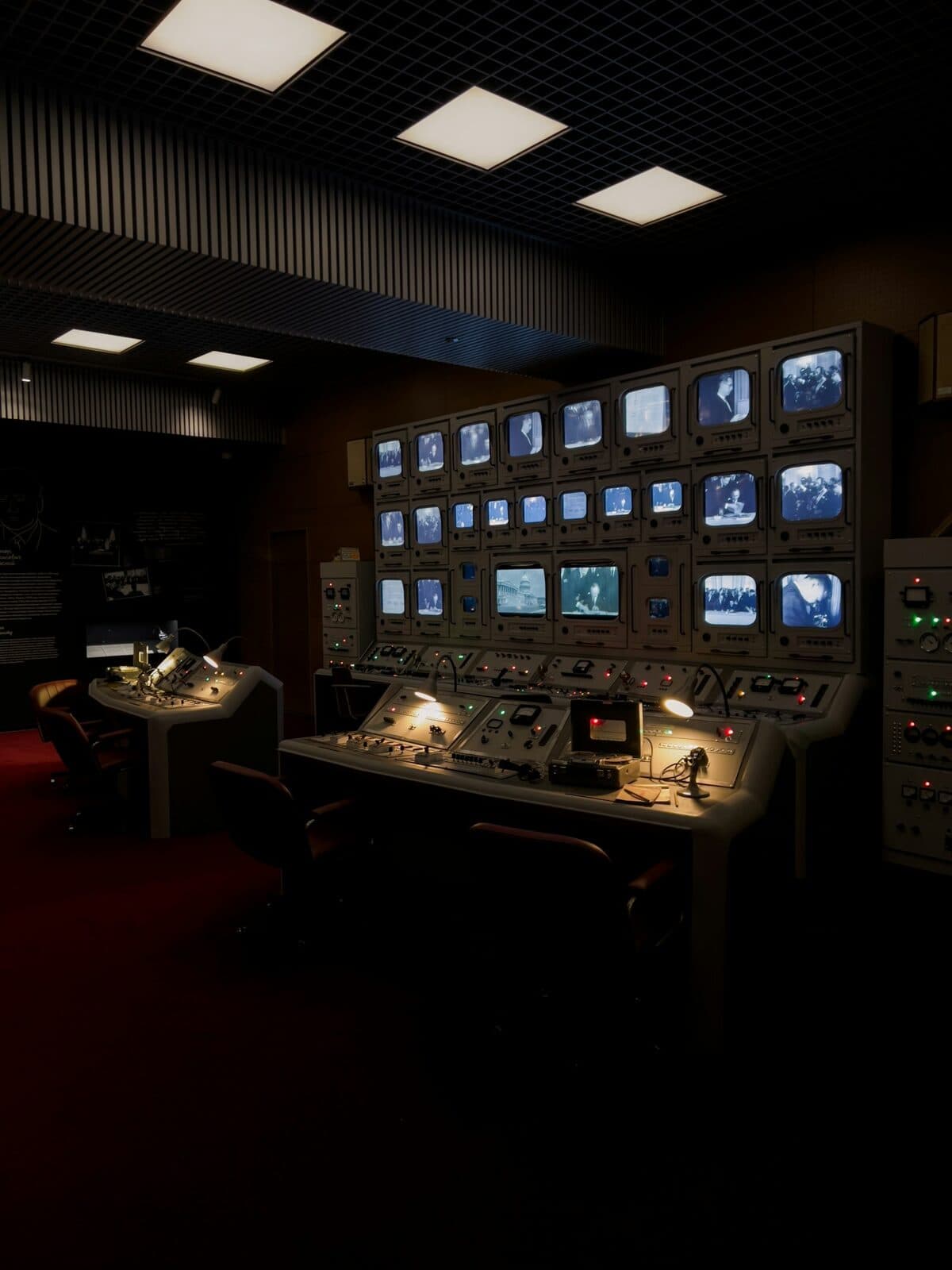
For organisations that want to take multi-site monitoring to the next level, a Central Alarm Monitoring Centre (CAMC) is the professional approach. A CAMC is a staffed control room, operating 24/7, with:
- Video wall or large multi-monitor display showing key camera feeds from all monitored sites
- VMS with full multi-site access and AI alert integration
- Access control management platform showing door events and access logs across all sites
- Alarm management platform integrating intruder alarm signals from all sites
- Communications equipment (telephone, radio, two-way intercom with site guard posts)
- Incident management system for logging and managing security events
The CAMC team responds to system alerts, assesses whether each alert represents a genuine security event, and dispatches appropriate response — contacting the site guard, calling law enforcement, or directing the nearest mobile response team.
For organisations with 10+ sites, the cost of establishing a CAMC is typically less than the cost of dedicated security guard teams at each site, while delivering better security oversight and faster response to incidents.
Network Requirements for Reliable Remote Viewing
Remote security monitoring is only as reliable as the network connections it depends on. The following network specifications are required for dependable multi-site remote monitoring in Bangladesh:
Site-Level Internet Connection
Each monitored site needs a reliable internet connection. The minimum specification depends on the number of cameras being streamed:
- Up to 8 cameras: 4 Mbps upload minimum, 8 Mbps preferred
- 8-20 cameras: 10 Mbps upload minimum, 20 Mbps preferred
- 20+ cameras: Dedicated fibre with 50 Mbps or more upload
Bangladesh's major ISPs — Fiber@Home, Summit Communications, BDCOM, and others — provide commercial fibre connections across Dhaka, Chattogram, and increasingly in secondary cities. Commercial fibre at 20-50 Mbps upload is available in major commercial zones at costs of BDT 3,000-8,000 per month depending on the ISP and location.
For sites in areas without fibre coverage, 4G LTE bonding routers (combining multiple SIM connections for resilience) are a viable alternative. Organisations like BTCL, Robi, and Grameenphone offer enterprise 4G plans with guaranteed bandwidth and reliability SLAs.
Connection Redundancy
For critical monitoring links, single-path internet connections are a vulnerability. A primary fibre connection with a 4G LTE backup, automatically switched when the primary fails, provides the resilience needed for security-critical connectivity.
Encryption
Remote access to camera feeds transmits security footage across the internet. All remote access should be over encrypted connections — HTTPS for web browser access, and preferably VPN (Virtual Private Network) for all remote connections to the VMS or access control server. VPN ensures that the remote connection is authenticated and the data in transit cannot be intercepted.
Bangladesh Enterprise Multi-Site Context
The following types of Bangladesh organisations benefit most immediately from multi-site remote monitoring:
Banks with branch networks — Bangladesh's scheduled banks operate 60-600+ branches each. Centralised security monitoring of all branches from a head office CAMC, with AI analytics handling the event detection workload, reduces the cost of branch security operations while improving oversight.
Garment groups with multiple factories — Large garment groups (running 5-15+ factories under common ownership) can centralise security monitoring across all factories from a group-level security centre. Factory management receives alerts, and group security management has oversight visibility.
Retail chains — Fashion retailers, pharmacy chains, and supermarkets across Bangladesh are expanding their branch networks. Remote CCTV monitoring (including loss prevention analytics) is standard practice for retail chains of any scale in more developed markets.
NGO and development organisation networks — International NGOs operating in Bangladesh often have offices in Dhaka, Chattogram, Sylhet, and rural programme areas. Remote monitoring from a Dhaka security hub provides oversight of field offices in locations where local security infrastructure is limited.
Get Free Consultation
Setting up effective multi-site remote security monitoring requires careful network planning, VMS selection, and camera placement design. We work with multi-site Bangladesh organisations to design and implement monitoring solutions that are technically reliable and operationally practical.
Get Free Consultation — contact us to discuss your multi-site monitoring requirements and receive a design proposal.
Filed under
- remote-monitoring
- multi-site-security
- vms
- central-monitoring
- cctv-remote-viewing
- bangladesh
- bank-branches
- factory-network
SSAL Expert Team
SSAL engineering team — Bangladesh-focused technical writing on security, fire-safety, ICT, and building technology.
Need Help Choosing the Right Solution?
SSAL engineers respond to RFQ submissions within 1 business day with a scoping call request.
- 48-hour site survey
- Free consultation
- 24/7 priority support