
Video Conferencing for Enterprise: From Boardroom Hardware to Unified Platform Solutions
Author
SSAL Expert TeamPublished
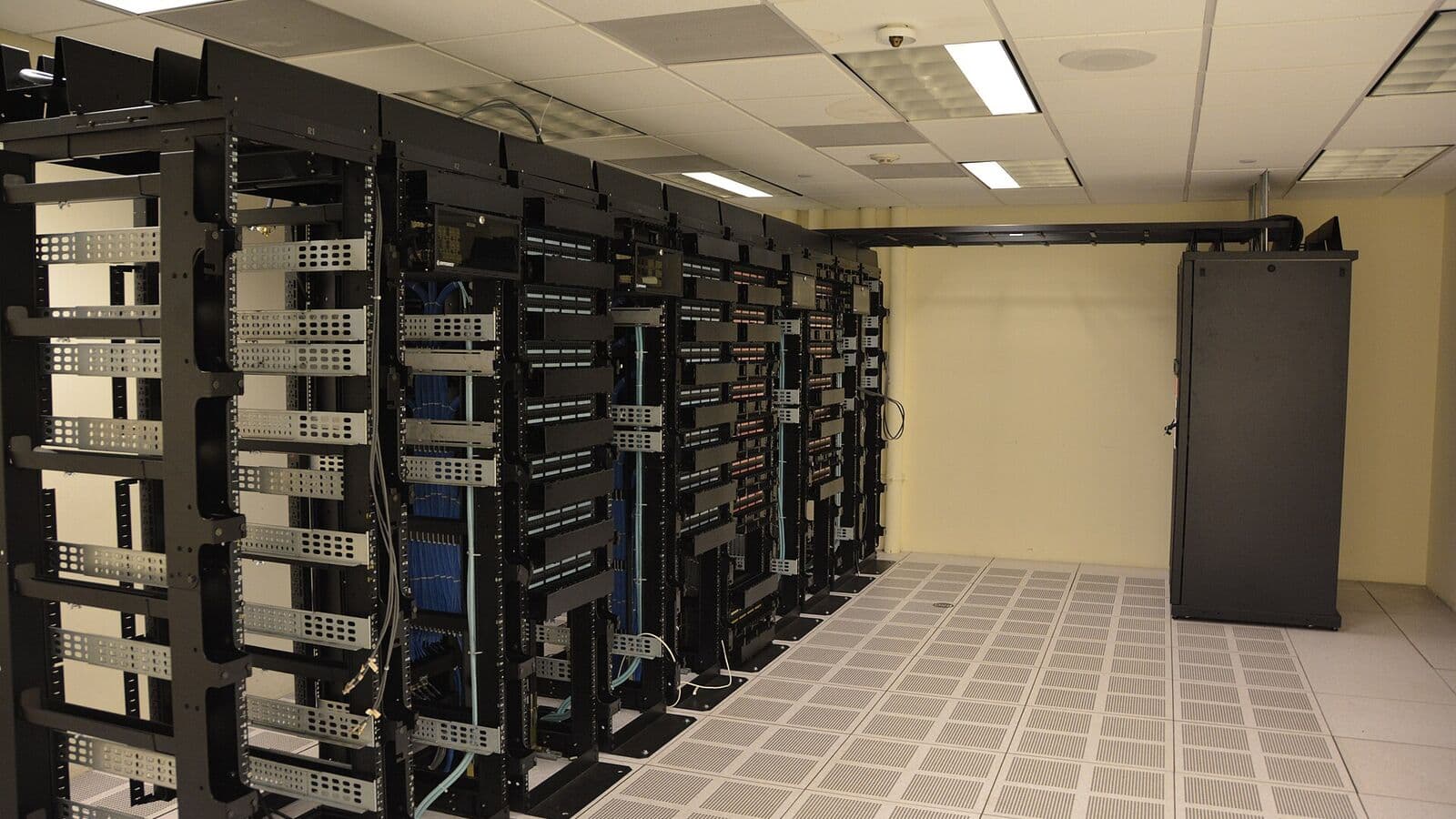
The way Bangladesh enterprises conduct meetings has changed fundamentally since 2020. What began as a pandemic necessity — video calls replacing physical meetings — has become a permanent feature of modern business operations. Senior executives expect to join board meetings from their smartphones while travelling. International buyers conduct factory audits and production reviews via video link. Bank headquarters coordinate with branches via video conferencing rather than requiring branch managers to travel to Dhaka every week.
But not all video conferencing is equal. A hastily purchased webcam on a personal laptop works for an individual call. A boardroom meeting with 15 participants, remote attendees on multiple continents, and critical content to share demands dedicated video conferencing hardware, a purpose-designed room, and a reliable platform. This guide covers the full spectrum — from selecting the right hardware for different room sizes to planning the network connectivity that video conferencing demands.
Room-Based vs. Software-Only Video Conferencing
Before choosing hardware, it helps to understand the two fundamental approaches to enterprise video conferencing.
Software-Only (Personal) Video Conferencing
Microsoft Teams, Zoom, and Google Meet on a laptop or desktop are software-only solutions. They use the computer's built-in (or USB-connected) camera and microphone, and display the video call on the existing monitor. This is adequate for one-on-one calls or individual participants joining a meeting from their desk.
The limitations of software-only video conferencing in a meeting room setting are clear: a laptop's built-in camera captures only the person directly in front of it, omitting other meeting participants. Built-in microphones pick up echo from speakers and struggle to capture voices from across a room table. The result is a poor experience for remote participants — they cannot see or hear the full room, and the people physically in the room often cannot hear remote participants clearly.
Room-Based Video Conferencing Systems
A room-based video conferencing system integrates dedicated hardware — a wide-angle room camera, a purpose-built microphone array, a room controller, and a room-optimised software client — into a purpose-designed meeting space. The combination produces a dramatically better experience: remote participants see a clear, wide view of the room; the microphone array uses beamforming to pick up voices from multiple directions and suppress echo; and the controller makes joining a meeting as simple as pressing "Join" on a touch panel.
Room-based systems are categorised by the platform ecosystem they support:
Microsoft Teams Rooms (MTR): A certified hardware+software combination for Microsoft Teams. MTR devices run a dedicated Windows or Android-based Teams client, managed through the Microsoft Teams Admin Centre. They join Teams meetings natively and can dial PSTN calls via Teams Calling.
Zoom Rooms: Zoom's equivalent ecosystem for hardware-based meeting rooms. Zoom Rooms devices run the Zoom Rooms client and integrate with the Zoom platform for scheduling, joining, and managing meetings.
Platform-agnostic systems: Some room hardware (particularly Poly Studio, Poly G-series, and certain Crestron solutions) can switch between multiple video platforms, supporting Teams, Zoom, Cisco Webex, and SIP/H.323 calls from the same hardware. This flexibility is valuable for organisations whose clients and partners use different platforms.
Choosing the Right Hardware for Your Room Size
Room size is the primary determinant of hardware selection. A microphone designed for a 4-person huddle room will not adequately capture voices from a 30-person boardroom table.
Huddle Rooms (2–6 Participants)
A huddle room is a small meeting space — a focus room, a small conference room, or a manager's office repurposed for video meetings. These rooms need compact, affordable hardware that delivers good quality without complex installation.
Camera options: A USB or Bluetooth-connected conference camera (Poly Studio P15, Yealink UVC30, Logitech Rally Bar Mini) with a wide-angle lens (90–120°) to capture all participants at a small table.
Microphone options: Built-in microphones on an all-in-one bar (like the Yealink MeetingBar A20 or Poly Studio E70) or a tabletop speakerphone (Poly Sync 20, Yealink CP700).
Display: A 55–65" 4K display mounted on the wall opposite the camera. An MTR or Zoom Rooms compute device connects the camera, microphone, and display into a managed system.
Recommended MTR solution for huddle rooms: Yealink MeetingBar A20 (all-in-one bar with camera, microphone, and compute), plus Yealink CTP18 touch controller panel. This combination is certified for Microsoft Teams Rooms and provides a clean, wall-mounted installation with minimal cabling.
Standard Conference Rooms (6–12 Participants)
A standard conference room with a 2–3 metre table requires a camera that can capture a full-width view of participants on both sides of the table, and a microphone array that covers the full table surface.
Camera options: A PTZ (pan-tilt-zoom) camera or a high-resolution wide-angle conference camera. For a 3-metre room width, a camera with a 90–110° horizontal field of view (FOV) and 1080p or 4K resolution is appropriate. Poly E70 (4K, AI-powered tracking), Yealink UVC80 (4K, USB), or Crestron UC-C100 room kit with appropriate camera.
Microphone options: A ceiling microphone array or multiple tabletop speakerphones. Ceiling microphones (Poly Trio C60 with extension microphones, Yamaha CS-500) provide clean aesthetics without cables on the table. Multiple tabletop units (Yealink CP960 daisy-chained) are more flexible and easier to retrofit.
Display: Dual 75" or 86" displays — one showing the remote participants, one showing shared content (PowerPoint, screen share, whiteboard).
Large Boardrooms and Training Rooms (12–30 Participants)
Large rooms present significant audio challenges — a standard microphone placed at the centre of a 6-metre boardroom table cannot adequately capture voices from the far ends. Sophisticated ceiling microphone arrays or multi-zone tabletop systems are required.
Camera options: A motorised PTZ camera with AI-powered speaker tracking — automatically zooming to the current speaker. Poly EagleEye Director II or Sony SRG-A12 track active speakers and switch the remote view accordingly, dramatically improving remote participant experience.
Microphone options: Ceiling microphone arrays (Biamp Tesira Ceiling Mic, Shure Microflex Advance ceiling array, Poly Microphone IP Ceiling Array) installed directly above the table, using directional beamforming to pick up voices from defined zones and reject ambient room noise and HVAC sounds.
Audio processor: A professional DSP (Digital Signal Processor) like a Biamp Tesira Server or Shure ANIUSB-MATRIX mixes microphone inputs, applies acoustic echo cancellation (AEC), noise suppression, and level normalisation before sending audio to the video conferencing platform.
Display: Projection (4K projector, minimum 5,000 lumens in a daylight-controlled room) or multiple large-format displays (86–98" 4K panels or a video wall segment).
Controller: Crestron TSW touch panels or AMX-NX touch controllers provide room control: joining meetings, controlling displays, adjusting audio, operating room lighting and blinds — all from a single intuitive interface.
Bandwidth Requirements for Video Conferencing
Video conferencing quality is directly related to the bandwidth available for the call. Insufficient bandwidth causes pixelated video, frozen frames, dropped calls, and choppy audio — all of which undermine the meeting experience and reflect poorly on your organisation's professionalism.
Bandwidth by Video Resolution
| Video Quality | Per-Participant Bandwidth (Upload + Download) |
|---|---|
| 360p (low definition) | 0.5–1.0 Mbps |
| 720p HD | 1.5–2.5 Mbps |
| 1080p Full HD | 3.0–5.0 Mbps |
| 4K Ultra HD | 15–25 Mbps |
For a room system sending 1080p video to remote participants and receiving 1080p video from up to 5 remote participants simultaneously, total bandwidth is approximately: 4 Mbps (upload) + 5 × 4 Mbps (download) = 24 Mbps. This is within the capacity of any modern enterprise internet connection in Dhaka.
Microsoft Teams Specific Requirements
Microsoft recommends the following bandwidth allocations for Teams video calls:
- 1:1 HD video call: 1.5 Mbps up/down
- Group video (up to 9 participants): 4.0 Mbps up/down
- Group video (up to 25 participants): 8.0 Mbps up/down
- Background blur/effects: Additional 1.5 Mbps up/down
For a 10-room video conferencing deployment with all rooms potentially active simultaneously, peak internet bandwidth requirement is approximately 10 × 8 Mbps = 80 Mbps upload and download. Most Bangladesh enterprise internet connections from ISPs serving Grade A commercial buildings handle this comfortably.
Bangladesh Internet Quality Considerations
Bangladesh's internet connectivity landscape varies significantly between locations and connection types.
Urban Grade A commercial buildings (Gulshan, Banani, Motijheel, Chittagong Port area): Fiber internet from Grameenphone Enterprise, Robi, or BTCL typically delivers 100 Mbps to 1 Gbps symmetrical connectivity with good reliability. Video conferencing quality is generally good when the internet connection is properly provisioned.
Secondary locations (suburban offices, factory areas outside major cities): Internet quality can be more variable. 4G/LTE from Grameenphone or Robi as a primary or backup internet connection delivers 20–50 Mbps in coverage areas — adequate for standard video conferencing but insufficient for large multi-room deployments.
Key recommendations for Bangladesh video conferencing:
- Use wired ethernet for room systems — never rely on Wi-Fi for video conferencing room hardware. Even a strong Wi-Fi signal can experience momentary drops that interrupt video calls.
- Prioritise video conferencing traffic with QoS — configure DSCP marking for Teams/Zoom traffic on your network switches and router.
- Use Microsoft or Zoom relay servers in Singapore or India — major platforms automatically use the nearest relay server. For Bangladesh users, Singapore and Mumbai relays provide the lowest latency.
- Test before critical meetings — for important external video calls (board meetings, investor presentations, international client meetings), always test the connection in the actual room 30 minutes before the meeting starts.
Hybrid Meeting Challenges and Solutions
The trickiest video conferencing scenario — and the one most common in Bangladesh enterprises today — is the hybrid meeting: some participants physically in the room, some joining remotely. Poor hybrid meeting design creates a frustrating two-tier experience where in-room participants converse naturally with each other while remote participants struggle to hear and be seen.
Common Hybrid Meeting Failures
The "Brady Bunch" problem: When each in-room participant is shown as a separate video tile, remote participants cannot tell who is speaking or follow the dynamics of the in-room group. A room camera showing all in-room participants together in a single video tile is more effective for conveying room presence.
The "megaphone and microphone" imbalance: In-room participants can hear remote participants at full volume through the room speakers, but remote participants can barely hear in-room participants through a single tabletop microphone. Ceiling microphone arrays and professional DSP processing solve this.
Background noise intrusion: Conference rooms in Bangladesh commercial buildings frequently suffer from HVAC noise, external traffic noise, and reverberation from hard surfaces. Acoustic treatment (absorptive ceiling tiles, carpet, soft furnishings) significantly improves microphone pickup quality by reducing reverberation time.
Solutions for Better Hybrid Meetings
AI speaker tracking cameras automatically zoom to the current speaker and switch views as speakers change. Remote participants see an engaging, dynamically framed view rather than a static wide shot of the room.
Front-of-room display for remote participants — a large display or video wall showing the gallery view of all remote participants, positioned so that in-room participants naturally look at the display (and therefore toward the camera) when addressing remote colleagues.
Individual microphone coverage — in large rooms, ensure that every seat position is within 1.5 metres of a microphone pickup zone. Dead zones where participants cannot be heard by remote attendees destroy the hybrid meeting experience.
SSAL's Video Conferencing Solutions for Bangladesh
SSAL designs and installs video conferencing solutions across the full range of room sizes, using certified hardware from Poly, Crestron, and Yealink — all brands with comprehensive Microsoft Teams Rooms and Zoom Rooms certification.
Our project delivery includes:
- Room acoustic assessment and treatment recommendations
- Hardware selection matched to room dimensions and use case
- Network bandwidth assessment and QoS configuration
- Complete installation and commissioning
- User training for IT administrators and meeting room users
- Optional room management software deployment for centralised monitoring of all video conferencing rooms
Get Free Consultation — Contact SSAL to discuss video conferencing solutions for your boardrooms, conference rooms, and training facilities. We serve corporate offices, banks, hospitals, government agencies, and educational institutions across Bangladesh.
Filed under
- video conferencing
- MTR
- Microsoft Teams Rooms
- Zoom Rooms
- Poly
- Crestron
- Yealink
- Bangladesh enterprise
- hybrid meeting
SSAL Expert Team
SSAL engineering team — Bangladesh-focused technical writing on security, fire-safety, ICT, and building technology.
Related Articles
IP PBX vs. Cloud PBX vs. Traditional Analog PABX: Which Is Right for Your Bangladesh Enterprise?
Compare IP PBX, Cloud PBX & traditional analog PABX for Bangladesh enterprises: cost, features, internet dependency, TCO analysis & top brands including Avaya & Yeastar.
OpenTwo-Way Radio Systems for Large Facilities: Why Digital Radios Beat Smartphones in Bangladesh's Industrial Sector
Why digital two-way radios (DMR, Motorola, Hytera) outperform smartphones for Bangladesh RMG, hotels & industrial facilities: push-to-talk reliability, battery life & coverage.
OpenWhat Is VoIP and How Can It Reduce Your Business Phone Bill by Up to 60%?
Learn how VoIP works and how it reduces Bangladesh business phone bills by 40-60%. Compare PSTN vs VoIP costs, SIP protocol basics & implementation requirements.
OpenNeed Help Choosing the Right Solution?
SSAL engineers respond to RFQ submissions within 1 business day with a scoping call request.
- 48-hour site survey
- Free consultation
- 24/7 priority support