
CCTV Cybersecurity: How to Protect Your IP Camera System from Hacking
Author
SSAL Technical TeamPublished
Reading time
9 min read
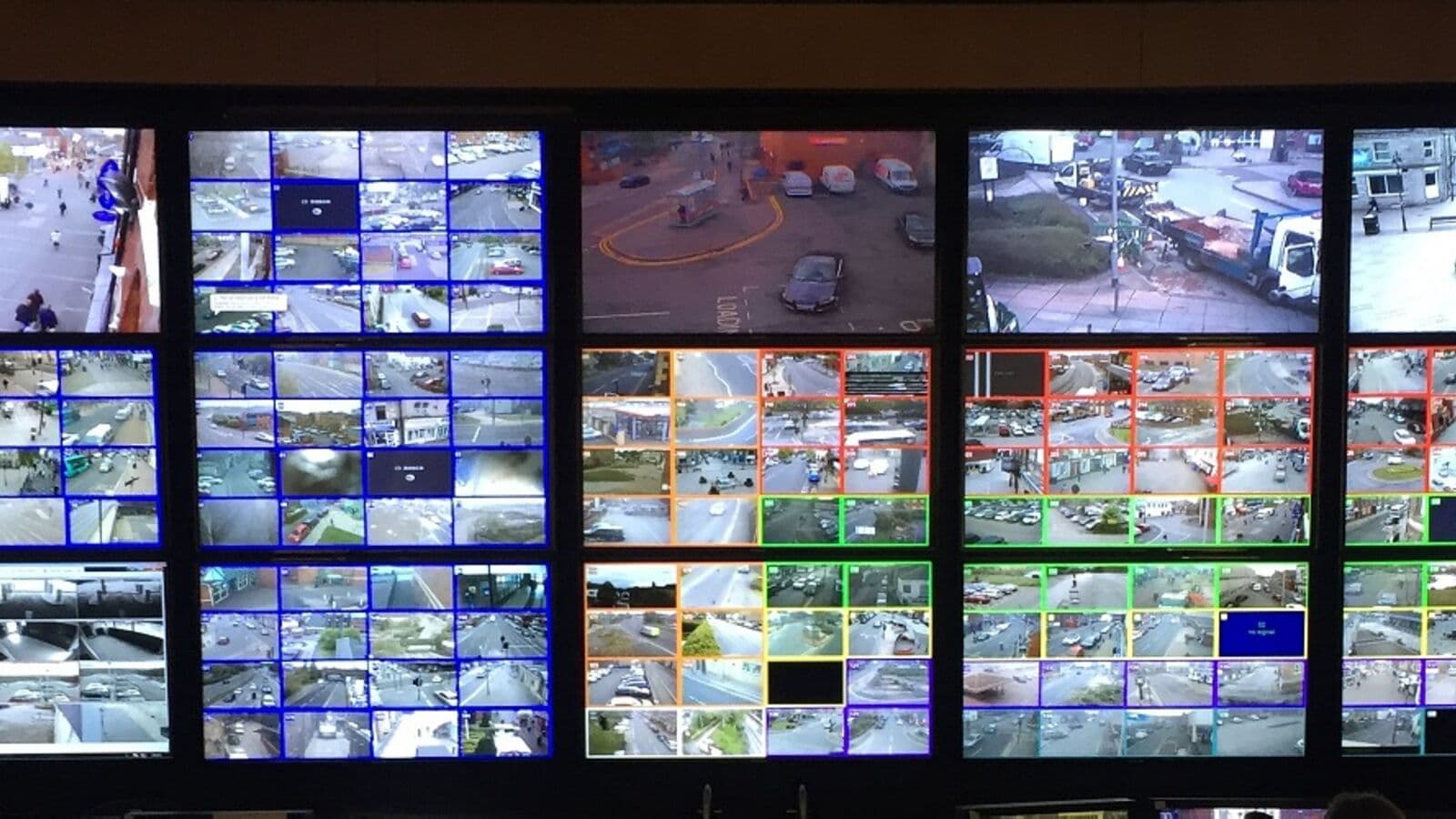
In October 2016, the largest distributed denial-of-service attack in internet history disrupted major websites including Twitter, Netflix, and PayPal. The weapon was not sophisticated malware or an elite hacking group. It was a botnet called Mirai — and it was built almost entirely from compromised IP cameras and digital video recorders. Attackers had scanned the internet for devices using default usernames and passwords, logged in trivially, and recruited them into an attack army. Hundreds of thousands of security cameras that were meant to protect businesses were being used to attack the global internet.
Your IP camera system in Dhaka faces the same threats. Every camera connected to the internet — whether intentionally or through poor network configuration — is a potential entry point for attackers. A compromised camera can expose live footage to criminals, provide a foothold into your corporate network, or become part of a botnet. Under Bangladesh's Personal Data Protection Ordinance (PDPO) 2025, a breach of CCTV footage that captures individuals' biometric data or personal images carries potential legal and financial liability.
This guide gives you a practical, implementable security hardening checklist for your IP camera system.
Why IP Cameras Are Attractive Targets
IP cameras are particularly vulnerable for several reasons:
Ubiquitous default credentials: Most IP cameras ship with default usernames (typically "admin") and passwords (often "admin," "12345," or blank). Many installations never change these. Automated scanners like Shodan continuously catalogue internet-accessible devices and their default credentials.
Infrequent updates: Unlike computers and smartphones, cameras rarely receive automatic firmware updates. Many organisations install cameras and never update the firmware again, leaving known vulnerabilities unpatched indefinitely.
Always-on, low-monitoring devices: Cameras run 24/7 with minimal active monitoring. A compromised camera may operate as part of a botnet for months without anyone noticing unusual behaviour.
Direct internet exposure: Many installations — particularly smaller businesses — place cameras directly on their main network and open firewall ports for remote access without VPN, exposing cameras directly to the public internet.
Shodan visibility: Within minutes of being connected to the internet with default credentials, a new IP camera may be catalogued by Shodan and other internet scanning services, making it trivially discoverable by attackers.
Threat 1: Default Password Attacks
This is the single most common and most preventable attack vector. The solution is absolute: change every default password before or immediately after installation.
Default Password Policy
- Set a unique, strong password for every camera (minimum 12 characters, mixed case, numbers, symbols)
- Use a different password for each camera in large installations, or use a strong shared password that differs from the manufacturer default
- Change the default admin username if the camera firmware allows it
- Disable guest accounts if present
- Document all camera credentials in a secure password manager — not a spreadsheet on a shared drive
Pro Tip: Use a password manager with team sharing capabilities for your security team. Tools like Bitwarden for Teams allow secure credential sharing with audit logs. Never email camera passwords or store them in plain-text files.
Threat 2: Unpatched Firmware Vulnerabilities
Camera manufacturers regularly discover and patch security vulnerabilities in their firmware. Without updates, your cameras remain vulnerable to attacks that have known, published exploits.
Notable examples:
- Hikvision (2017): A critical authentication bypass vulnerability (CVE-2021-36260) was discovered and patched. Cameras running outdated firmware remained vulnerable to complete takeover without a password.
- Dahua (2021): Authentication bypass vulnerabilities allowed remote access to device configurations.
- Axis (ongoing): Axis ARTPEC chip-based cameras have a structured security vulnerability disclosure programme, with patches released regularly.
Firmware Management Procedure
- Subscribe to your camera manufacturer's security bulletin email list
- Check firmware versions quarterly against manufacturer release notes
- Test firmware updates on one camera before deploying across the full system
- Maintain a firmware inventory spreadsheet listing each camera model and current firmware version
- Include firmware updates in your annual maintenance contract (AMC) scope
Threat 3: Unprotected Network Access
VLAN Segmentation: Isolate Your Cameras
The most important network security measure for IP cameras is placing them on a dedicated, isolated VLAN (Virtual Local Area Network). A surveillance VLAN should have no direct communication path to your corporate data network.
Without VLAN segmentation: A compromised camera can communicate with every device on your corporate network — servers, workstations, HR systems, financial systems.
With VLAN segmentation: A compromised camera can only communicate with other cameras and the NVR on the surveillance VLAN. It cannot reach your corporate systems.
Implement the surveillance VLAN on your managed switches with these rules:
- Surveillance VLAN (e.g., VLAN 30): Cameras + NVR only
- Management VLAN (e.g., VLAN 10): Monitoring workstations that need NVR access
- Corporate VLAN (e.g., VLAN 20): All other corporate devices
- Inter-VLAN routing: Allow management VLAN to access NVR only; deny all other inter-VLAN traffic
Bangladesh Regulatory Callout
Bangladesh Bank's ICT Security Guideline v4.0 requires that surveillance networks be logically or physically separated from core banking networks. VLAN segmentation satisfies this requirement. Banks should document their surveillance VLAN architecture and maintain network diagrams showing the separation as part of their compliance evidence.
Under PDPO 2025, a breach of a CCTV system that exposes personal images or biometric data (facial recognition templates) is a notifiable data breach. Organisations must implement "appropriate technical measures" to protect personal data — network segmentation is a fundamental component of this obligation.
Threat 4: Insecure Remote Access
Many organisations enable remote camera viewing by opening port forwarding on their router — directing internet traffic on specific ports directly to their NVR or cameras. This approach directly exposes your devices to internet-based attacks.
Secure Remote Access: VPN
The correct approach is VPN (Virtual Private Network) access. Users connect to your network through a VPN before accessing the NVR. The NVR itself is never directly exposed to the internet.
Options for VPN:
- Site-to-site VPN: For organisations with fixed monitoring locations (e.g., head office accessing branch cameras)
- SSL/TLS VPN: For individual users accessing the system from mobile devices
- Enterprise VPN appliances: Fortinet, Palo Alto, and Cisco provide enterprise-grade VPN with multi-factor authentication
For smaller organisations without enterprise VPN infrastructure, a NAS-integrated VPN (like Synology VPN Server) or a cloud-managed VPN (like Tailscale) is a practical and affordable alternative.
If VPN Is Not Feasible
If you must use direct internet access (not recommended), implement all of the following:
- Change all default ports (do not use 80, 443, 8080, 554 — use non-standard high-numbered ports)
- Enable HTTPS/SSL for all web interface access (disable HTTP completely)
- Enable IP address whitelisting — allow remote access only from known IP addresses
- Enable account lockout after 5 failed login attempts
- Use two-factor authentication if your NVR supports it
Threat 5: Unencrypted Communication
By default, many cameras communicate over unencrypted HTTP. Anyone on the same network segment can use a packet analyser to view the video stream and capture login credentials.
Enable HTTPS/SSL
All modern cameras and NVRs support HTTPS. Enable it and disable HTTP completely:
- Generate a self-signed certificate on your NVR (or use a CA-signed certificate for larger deployments)
- Enable HTTPS on every camera's web interface
- Enable HTTPS for the NVR web interface and client software connections
- Disable HTTP (port 80) access entirely once HTTPS is confirmed working
Enable RTSP over HTTPS/TLS
If you use RTSP streams for VMS or third-party integration, use RTSPS (RTSP over TLS) rather than plain RTSP where your equipment supports it.
Threat 6: UPnP and Unnecessary Services
UPnP (Universal Plug and Play) allows devices to automatically configure port forwarding on your router without your knowledge or approval. Many cameras and NVRs enable UPnP by default, potentially opening your cameras to the internet without you realising.
Disable UPnP on:
- Every camera
- Every NVR
- Your network router/firewall
Additionally, disable all services on cameras that you are not actively using:
- Disable FTP if not needed
- Disable Telnet (always — it is unencrypted)
- Disable SNMP if not used for monitoring
- Disable cloud relay services if you use VPN for remote access instead
Threat 7: Physical Access to Camera Hardware
Do not overlook physical security. A camera accessible to determined attackers can be tampered with to insert a hardware device between the camera and the network cable.
- Install cameras at heights that require a ladder to access (minimum 3 metres for indoor cameras)
- Use vandal-resistant IK10-rated cameras in accessible locations
- Use cable conduit or trunking for camera cables in accessible areas
- Consider anti-tamper cables with alarm functions for high-security zones
Choosing Cybersecurity-Conscious Brands
Not all camera manufacturers treat cybersecurity equally. When specifying cameras for high-security environments, consider these criteria:
| Manufacturer | Cybersecurity Programme | Key Features |
|---|---|---|
| Axis Communications | AXIS Security Development Lifecycle (SDL) | ARTPEC-8 chip with secure boot, TPM, FIPS 140-2 signed firmware |
| Hikvision | Hikvision Cybersecurity Programme | Regular CVE disclosures, firmware signing, OVSRC |
| Bosch | Product Security Incident Response Team (PSIRT) | IEC 62443 alignment, regular advisories |
| Avigilon (Motorola) | Active security patching | Closed-system with strong integration security |
| Dahua | DHPST programme | Regular advisories, certificate-based authentication |
For Bangladesh Bank-regulated facilities and data centres, Axis or Bosch cameras with their structured security programmes and IEC 62443-aligned design are the premium recommendation.
PDPO 2025 Implications for Camera Security
Bangladesh's Personal Data Protection Ordinance 2025 establishes that CCTV footage capturing individuals constitutes personal data. Footage from biometric access control systems captures biometric data — a special category requiring heightened protection.
If your camera system is breached and footage containing personal images is accessed by unauthorised parties, you face:
- Mandatory breach notification to the Data Protection Authority
- Potential fines proportional to the severity and negligence involved
- Reputational damage and civil liability
Cybersecurity hardening of your camera system is not merely a technical best practice — it is a legal obligation under PDPO 2025.
Camera Security Hardening Checklist
Use this checklist for every new installation and every existing system audit:
- [ ] Changed all default usernames and passwords
- [ ] Set strong, unique passwords for all cameras and NVR
- [ ] Updated firmware to the latest release for all cameras and NVR
- [ ] Cameras placed on isolated surveillance VLAN
- [ ] No direct internet exposure — VPN required for remote access
- [ ] HTTPS enabled on NVR and all cameras; HTTP disabled
- [ ] UPnP disabled on all cameras, NVR, and router
- [ ] Unnecessary services disabled (Telnet, FTP, SNMP)
- [ ] IP whitelist applied for remote access if VPN not used
- [ ] Account lockout enabled after failed login attempts
- [ ] Firmware update schedule established (quarterly minimum)
- [ ] Security bulletin subscription active for all camera brands
- [ ] Physical camera placement at adequate height to prevent tampering
Key Takeaways
- IP cameras are high-value targets for hackers; the Mirai botnet proved that cameras at scale can be weaponised
- Default password attacks are the most common and most preventable threat — change every default immediately
- VLAN segmentation is the most important network security measure, isolating cameras from your corporate network
- VPN is the only secure method for remote camera access — never use direct port forwarding
- Enable HTTPS and disable HTTP on all cameras and NVRs
- Disable UPnP and all unused services on every device
- PDPO 2025 makes camera security a legal obligation — breaches of CCTV footage carrying personal data are notifiable events
Ready to Harden Your CCTV System Against Cyber Threats?
SSAL provides camera security audits and hardening services across Bangladesh. Our team assesses your current camera system against the cybersecurity checklist above and implements all necessary changes — VLAN design, VPN setup, firmware updates, and credential management — as a complete service.
Contact SSAL for a CCTV cybersecurity audit:
- Phone: +880 1799-986890
- Email: info@smartsafety.com.bd
- Web: www.smartsafety.com.bd
- Office: Youth Tower Level 2, 822/2 Rokeya Sarani, Dhaka-1216
Concerned about your existing system's security posture? Request a no-obligation cybersecurity vulnerability assessment — our team scans your surveillance network and provides a written report of vulnerabilities found and remediation steps required.
Filed under
- CCTV cybersecurity
- IP camera security
- network security
- VLAN
- VPN
- firmware update
- PDPO 2025
- Bangladesh
- Hikvision
- Axis
SSAL Technical Team
SSAL engineering team — Bangladesh-focused technical writing on security, fire-safety, ICT, and building technology.
Related Articles
4K Ultra-HD CCTV Cameras: Is the Extra Resolution Worth It for Your Business?
Is 4K CCTV worth the investment? Understand identification distances, storage costs, and the right use cases for 4K surveillance in Bangladesh facilities.
OpenAI-Powered Video Analytics: A Complete Guide for Bangladesh Enterprise Decision-Makers
Understand AI video analytics for Bangladesh enterprises. People counting, LPR, facial recognition, PPE compliance, and ROI analysis from SSAL's experts.
OpenThe Complete CCTV Buying Guide for Bangladeshi Businesses: 10 Questions to Ask Before You Buy
10 essential questions to answer before buying CCTV for your Bangladesh business. Coverage, compliance, analytics, maintenance, and vendor evaluation from SSAL.
OpenNeed Help Choosing the Right Solution?
SSAL engineers respond to RFQ submissions within 1 business day with a scoping call request.
- 48-hour site survey
- Free consultation
- 24/7 priority support