
H.265 vs. H.264 Video Compression: How Your Choice Affects Storage Costs
Author
SSAL Technical TeamPublished
Reading time
9 min read
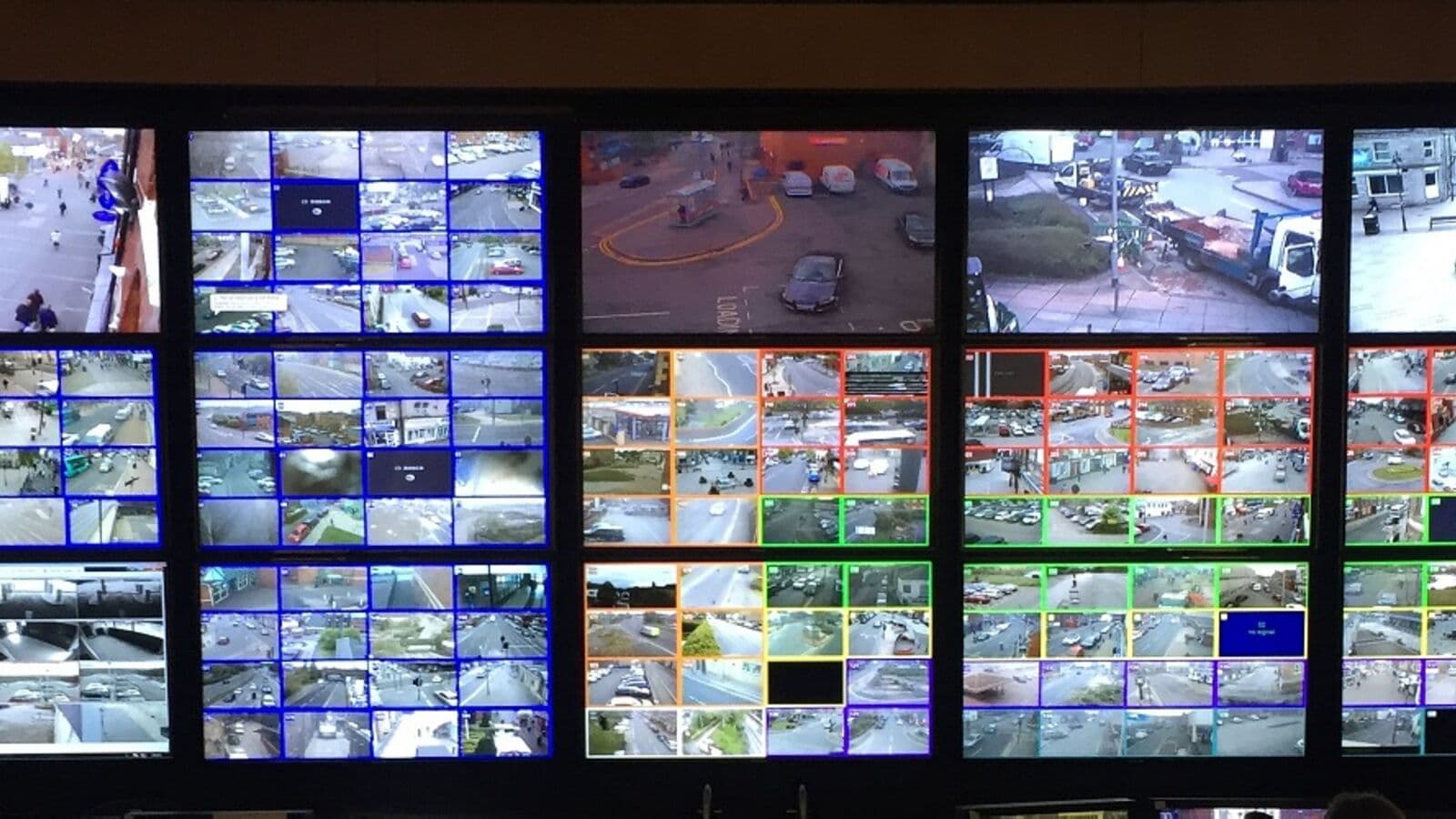
Imagine two nearly identical CCTV systems installed on the same day in neighbouring buildings. Both have 64 cameras. Both record at 1080p resolution, 15 frames per second, 24 hours a day. Both need to retain footage for 30 days. At the end of the year, one operator pays a fraction of what the other pays in storage hardware — and the only difference is the compression codec their cameras use.
This is not a hypothetical. In Bangladesh, where enterprise NVR storage hardware represents a significant capital expense and where Bangladesh Bank's 90-day retention requirement amplifies storage costs dramatically, your choice of video compression codec directly determines how much you spend. The difference between H.264, H.265, and H.265+ can mean the difference between a manageable storage budget and an infrastructure cost that strains your IT department.
This guide explains exactly what video compression is, how H.264 and H.265 differ at a technical level, and what the real-world financial impact looks like for Bangladesh facilities.
How Video Compression Works
Raw uncompressed video is enormous. A single 1080p camera at 30 fps generates approximately 1.5 gigabits per second of raw data. A 64-camera site would generate 96 Gbps continuously — a volume that would fill every hard drive on the market within hours.
Video compression works by identifying and eliminating redundant information in video streams. Two types of redundancy exist:
Spatial redundancy: Within a single frame, large areas of similar colour (a clear blue sky, a grey floor, a white wall) contain repetitive data that can be encoded more efficiently.
Temporal redundancy: Between consecutive frames, most of the image is identical. A camera pointed at a door captures the same wall, floor, and frame in nearly every frame. Only what changes (a person opening the door) needs to be updated.
Modern codecs exploit both types of redundancy. They divide frames into macroblocks (H.264) or coding tree units (H.265), analyse motion vectors between frames, and encode only the differences rather than complete frames. The efficiency of this process is what separates codec generations.
H.264: The Established Standard
H.264, also known as AVC (Advanced Video Coding), was finalised in 2003 and became the dominant standard for IP CCTV from approximately 2008 onwards. It is supported by virtually every IP camera, NVR, VMS, and viewing device in the world.
H.264 uses 16×16 pixel macroblocks for motion prediction and supports block sizes down to 4×4 pixels for detail areas. Its compression efficiency was remarkable for its era and remains entirely adequate for many applications.
The limitation of H.264 is architectural. Its block-based motion compensation becomes less efficient with higher resolutions. A 4K H.264 stream is proportionally less efficient than a 1080p H.264 stream, because higher resolutions have more complex motion patterns that the codec's block structure handles inefficiently.
H.265: The 50% Storage Revolution
H.265, also known as HEVC (High Efficiency Video Coding), was standardised in 2013 and has become the standard for new CCTV installations since approximately 2018. The headline number is correct: H.265 achieves the same visual quality as H.264 at approximately half the bitrate.
What Makes H.265 More Efficient
H.265 uses Coding Tree Units (CTUs) of up to 64×64 pixels, compared to H.264's 16×16 macroblocks. This larger block structure is dramatically more efficient for large uniform areas — exactly the kind of content CCTV cameras typically capture (walls, floors, empty spaces). H.265 also uses improved motion prediction algorithms that better handle complex motion patterns at 4K resolution.
The result: a 1080p stream that required 4 Mbps under H.264 typically requires 2 Mbps under H.265 at equivalent quality. A 4K stream that required 16 Mbps under H.264 typically requires 8 Mbps under H.265.
NVR and Camera Compatibility
H.265 requires both the camera and the NVR to support the codec. If you install H.265 cameras with an H.264-only NVR, the NVR must either reject the stream or transcode it in real time — consuming significant CPU resources and negating the storage benefit.
Always verify that your NVR explicitly supports H.265 hardware decoding. Hikvision, Dahua, Bosch, and Uniview NVRs released after 2018 universally support H.265. Older NVRs do not.
Pro Tip: When specifying a new NVR, confirm H.265 hardware decoding rather than software decoding. Hardware decoding is performed by a dedicated chip and has no performance impact. Software decoding on the main CPU can cause performance issues when displaying many 4K streams simultaneously.
H.265+: Hikvision's Proprietary 70–80% Reduction
Hikvision developed H.265+, a proprietary enhancement to H.265 that applies additional scene-specific optimisation. H.265+ analyses background content (static walls, floors, fixed objects) and reduces the bitrate allocated to unchanging scene elements even further, while maintaining full quality for motion areas.
The claimed and observed bitrate reduction for H.265+ compared to standard H.264 is 70–80% for typical CCTV scenes. For scenes with low motion content (a corridor camera, a store room camera), the reduction can be even greater.
Important caveats for H.265+:
- H.265+ is proprietary to Hikvision cameras and NVRs. It does not function when using Hikvision cameras with a third-party NVR, or when using a Hikvision NVR with non-Hikvision cameras
- Dahua has an equivalent called H.265+ with similar performance in a Dahua-only ecosystem
- If you use a multi-brand VMS like Milestone XProtect, H.265+ will not deliver its maximum efficiency
Dahua offers an equivalent proprietary compression called Smart H.265+ with similar performance characteristics within the Dahua ecosystem.
H.266: The Emerging Next Generation
H.266, also known as VVC (Versatile Video Coding), was standardised in 2020 and promises approximately 50% bitrate reduction compared to H.265 — meaning roughly 75% reduction compared to H.264. As of 2026, H.266 hardware support is beginning to appear in high-end cameras and NVRs, but it is not yet mainstream in the Bangladesh market.
Monitor H.266 adoption from your preferred vendors, but do not delay purchasing decisions waiting for it. H.265 and H.265+ remain the optimal choice for new installations today.
The Real-World Storage Calculation: 64-Camera Site
This is where the numbers become tangible. Consider a 64-camera commercial site — a typical mid-size factory, hospital, or corporate headquarters in Bangladesh.
Assumptions:
- 64 cameras at 1080p (2MP)
- Recording at 15 fps (standard for CCTV)
- 24-hour continuous recording
- 30-day retention requirement
Bitrate Assumptions
| Codec | Typical Bitrate per Camera (1080p, 15fps) |
|---|---|
| H.264 | 4.0 Mbps |
| H.265 | 2.0 Mbps |
| H.265+ | 1.2 Mbps |
Storage Calculation
Formula: (Bitrate × 3600 seconds × 24 hours × Days × Cameras) ÷ 8 ÷ 1,000,000,000 = TB
| Codec | Daily Storage (TB) | 30-Day Total (TB) | 90-Day Total (TB) |
|---|---|---|---|
| H.264 | 6.4 TB | 192 TB | 576 TB |
| H.265 | 3.2 TB | 96 TB | 288 TB |
| H.265+ | 1.9 TB | 58 TB | 173 TB |
Cost Impact in the Bangladesh Market
Enterprise NAS/NVR storage in Bangladesh costs approximately BDT 4,000–6,000 per terabyte for enterprise-grade HDDs in RAID configurations, inclusive of the NVR chassis and redundancy overheads.
| Codec | 90-Day Storage | Estimated Hardware Cost (BDT) |
|---|---|---|
| H.264 | 576 TB | BDT 23–35 lakh |
| H.265 | 288 TB | BDT 12–17 lakh |
| H.265+ | 173 TB | BDT 7–10 lakh |
The difference between H.264 and H.265+ for a 64-camera, 90-day installation is approximately BDT 16–25 lakh in storage hardware alone. This saving is recurring — when you need to expand storage capacity or replace failed drives, the efficiency carries forward indefinitely.
Bangladesh Bank 90-Day Compliance Context
Bangladesh Regulatory Callout
Bangladesh Bank's ICT Security Guideline v4.0 requires all bank branches to retain CCTV footage for a minimum of 90 days. For a typical branch with 20–30 cameras, this means:
- H.264: 90-day storage requirement of 54–81 TB per branch
- H.265: 90-day requirement of 27–40 TB per branch
- H.265+: 90-day requirement of 16–25 TB per branch
For a bank with 50 branches, the storage infrastructure cost difference between H.264 and H.265+ is substantial enough to fund additional security measures. Banks planning CCTV compliance upgrades should specify H.265+ cameras and NVRs in their procurement specifications.
Bandwidth Implications Beyond Storage
Storage is not the only dimension where compression efficiency matters. Bandwidth has three additional implications:
1. Remote Access Quality
When you view live footage remotely over a mobile data connection, the bitrate that the camera transmits determines the quality of what you see. An H.265 stream at 2 Mbps delivers the same quality as an H.264 stream at 4 Mbps. With Bangladesh's variable 4G/5G connectivity, lower-bitrate H.265 streams remain stable where H.264 streams buffer and degrade.
2. Network Infrastructure Cost
High-camera-count sites need network switches with sufficient throughput. An H.264 64-camera site generates 256 Mbps of sustained traffic. The same site with H.265 generates 128 Mbps. This can mean the difference between a single managed switch and multiple stacked switches for your surveillance VLAN.
3. Cloud Upload (Hybrid Storage)
If you implement cloud backup of critical footage (a recommended practice for high-security areas), the bitrate directly determines your internet bandwidth requirement. Lower H.265+ bitrates make cloud backup of larger camera sets economically feasible on Bangladesh's broadband infrastructure.
Transcoding Performance Considerations
When your NVR must transcode video — converting from one format to another for display or export — higher-efficiency codecs like H.265 require more computational resources to decode than H.264.
This matters in two scenarios:
Multi-stream display: Viewing 16 simultaneous 4K H.265 streams requires a significantly more powerful NVR CPU/GPU than viewing 16 1080p H.264 streams. Ensure your NVR's decoding capacity matches your camera count and resolution.
Integration with third-party software: Some older VMS platforms or export tools do not support H.265 hardware acceleration. Test compatibility before specifying H.265 across a large system using third-party VMS.
For Hikvision iVMS-4200 and Dahua DSS Pro users with their own-brand cameras, H.265 and H.265+ are fully hardware-accelerated with no performance concerns.
Recommendation for New Installations
| Scenario | Recommended Codec |
|---|---|
| Single-brand Hikvision system, any size | H.265+ |
| Single-brand Dahua system, any size | H.265+ (Smart H.265+) |
| Multi-brand system with Milestone or Genetec VMS | H.265 (standard, not +) |
| Bangladesh Bank compliance deployment (any brand) | H.265 minimum |
| Budget-constrained retrofit on older NVR | H.264 (until NVR is upgraded) |
| New installation, any size, any brand | H.265 minimum — never specify H.264 for new systems |
Never specify H.264 for a new installation in 2026. The storage cost penalty is unjustifiable when H.265-capable cameras cost no more than H.264-only cameras from any reputable manufacturer.
Key Takeaways
- H.265 reduces storage and bandwidth requirements by approximately 50% compared to H.264 at equivalent quality
- H.265+ (Hikvision) and Smart H.265+ (Dahua) achieve 70–80% reduction within their own ecosystems
- For a 64-camera, 90-day site, the storage saving between H.264 and H.265+ is approximately BDT 16–25 lakh in hardware costs
- H.266 is emerging but not yet mainstream — H.265 is the correct specification for all new Bangladesh installations in 2026
- NVR and camera must both support H.265 for the benefit to materialise — verify hardware decoding capability
- Lower bitrates directly improve remote viewing quality on Bangladesh's mobile data networks
Ready to Optimise Your CCTV Storage?
SSAL designs surveillance systems that deliver maximum image quality at minimum storage cost. Our technical team calculates precise storage requirements for your specific camera count, retention period, and compliance obligations — and specifies the right camera and NVR combination to hit your storage budget.
Contact SSAL for a free storage consultation:
- Phone: +880 1799-986890
- Email: info@smartsafety.com.bd
- Web: www.smartsafety.com.bd
- Office: Youth Tower Level 2, 822/2 Rokeya Sarani, Dhaka-1216
Need a quick estimate now? Use our online storage calculator at www.smartsafety.com.bd or call our technical team for an immediate calculation based on your specific requirements.
Filed under
- H.265
- H.264
- video compression
- CCTV storage
- NVR
- bandwidth
- Bangladesh Bank compliance
- storage calculation
SSAL Technical Team
SSAL engineering team — Bangladesh-focused technical writing on security, fire-safety, ICT, and building technology.
Related Articles
4K Ultra-HD CCTV Cameras: Is the Extra Resolution Worth It for Your Business?
Is 4K CCTV worth the investment? Understand identification distances, storage costs, and the right use cases for 4K surveillance in Bangladesh facilities.
OpenAI-Powered Video Analytics: A Complete Guide for Bangladesh Enterprise Decision-Makers
Understand AI video analytics for Bangladesh enterprises. People counting, LPR, facial recognition, PPE compliance, and ROI analysis from SSAL's experts.
OpenThe Complete CCTV Buying Guide for Bangladeshi Businesses: 10 Questions to Ask Before You Buy
10 essential questions to answer before buying CCTV for your Bangladesh business. Coverage, compliance, analytics, maintenance, and vendor evaluation from SSAL.
OpenNeed Help Choosing the Right Solution?
SSAL engineers respond to RFQ submissions within 1 business day with a scoping call request.
- 48-hour site survey
- Free consultation
- 24/7 priority support