
How Many CCTV Cameras Does My Building Need? A Floor-Plan-Based Planning Guide
Author
SSAL Technical TeamPublished
Reading time
9 min read
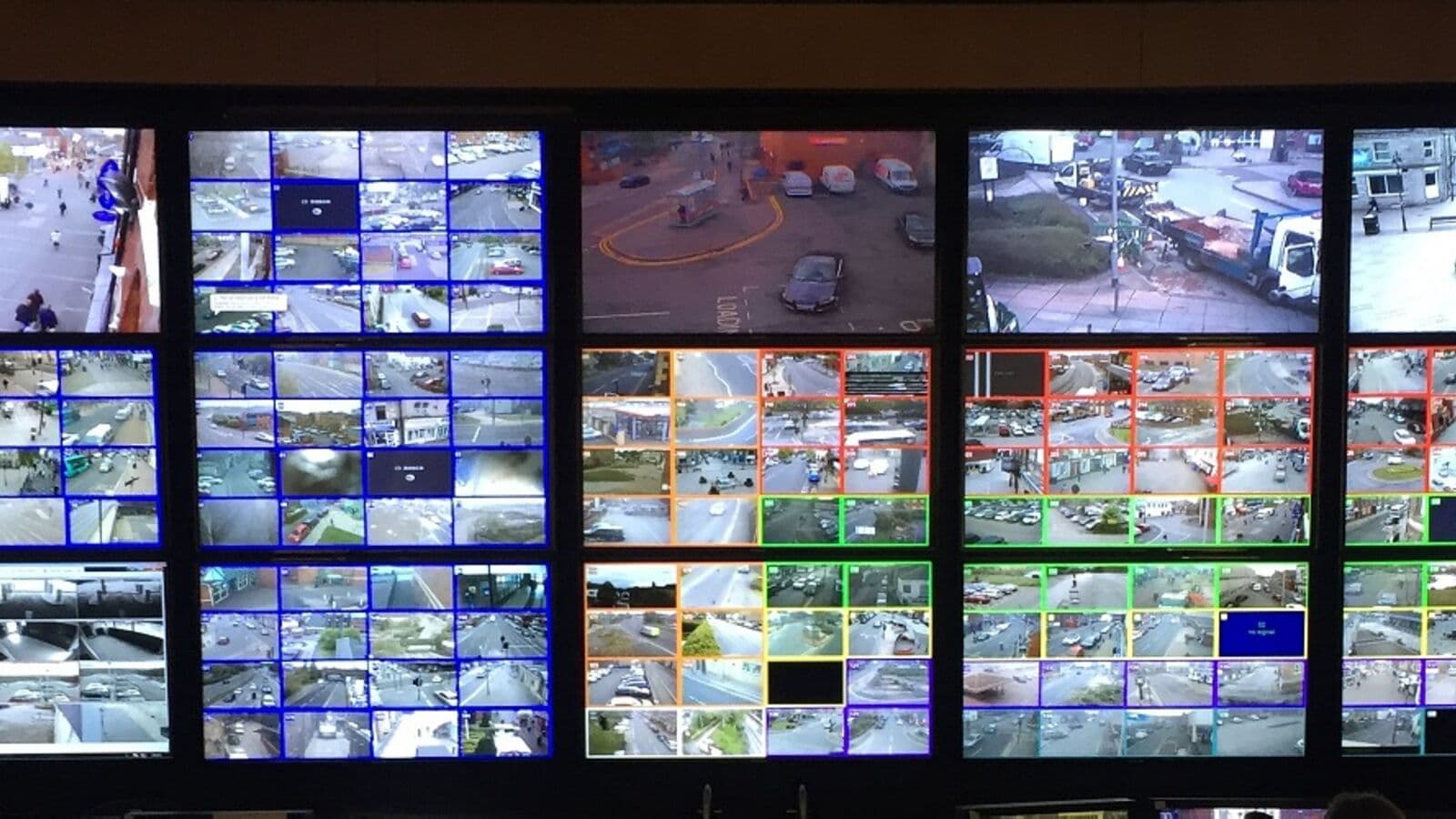
"How many cameras do I need?" is the first question most buyers ask, and it is the question that most vendors answer incorrectly. Some vendors underspecify cameras to win a lower-cost bid, leaving coverage gaps that become apparent only when you need to review an incident. Others overspecify cameras to maximise revenue — running cameras in locations that add no security value.
The correct answer cannot be given without a floor plan, a list of security objectives, and a systematic coverage analysis. Camera count is an output of the design process, not an input to it. This guide explains the methodology for determining exactly how many cameras your building needs — and walks you through a complete worked example for a 3-floor office building.
The Fundamental Principle: Field of View
Every camera has a Field of View (FOV) — the angular width of the scene it can capture. FOV depends on the camera lens (measured in millimetres focal length) and the camera sensor size.
Wide-angle lenses (2.8mm): Approximately 100–110° horizontal FOV. Cover wide areas at short range. Common for corridors and rooms.
Standard lenses (4mm): Approximately 80–90° horizontal FOV. The most common general-purpose specification.
Medium telephoto (6mm): Approximately 50–60° horizontal FOV. Better for longer distances where more detail is needed.
Telephoto (8–12mm): Approximately 30–40° horizontal FOV. Suited for long corridors, gates, and perimeter approaches.
The coverage area of a camera increases with distance from the camera. A 90° FOV camera covers 1.73 metres of width at 1 metre distance, 8.65 metres at 5 metres, and 17.3 metres at 10 metres.
Use this formula to calculate coverage width at a given distance:
Coverage Width = 2 × Distance × tan(FOV/2)For a 90° FOV camera at 10 metres:
Width = 2 × 10 × tan(45°) = 2 × 10 × 1 = 20 metresThe 20% Overlap Rule
Adjacent cameras should overlap their coverage zones by at least 20%. Overlap serves two purposes:
- Eliminates blind spots: Without overlap, a person can walk through the gap between two camera zones and be missed.
- Provides multi-angle evidence: At entry/exit points especially, overlapping cameras provide a second angle that may capture what the primary angle misses (e.g., a person who walks with their face turned away from one camera).
For a corridor covered by two cameras from opposite ends, the 20% overlap means each camera covers slightly past the midpoint. This costs nothing (it uses existing camera coverage) but guarantees no blind spot at the centre.
Mandatory Coverage Points: Bangladesh Bank Requirements
Bangladesh Regulatory Callout
For Bangladesh Bank-regulated entities, the following coverage points are mandatory. Each requires a dedicated fixed camera — PTZ cameras do not satisfy mandatory coverage requirements because they may be pointing elsewhere at the moment of an incident.
Mandatory coverage points:
- All customer-facing teller counter positions (one camera per teller, clearly capturing face and hands)
- ATM machine (internal camera showing screen, card reader, and user face)
- ATM external (external camera showing person approaching and departing)
- Vault entrance and interior (dedicated camera for entry point; additional cameras inside vault for large vaults)
- IT room / server room entry (camera + biometric access control)
- All customer entry and exit points to the branch
- Night security camera covering ATM vestibule
- Any safe or cash handling area
Additionally, Bangladesh Bank requires the surveillance network to be logically separated from the core banking network, and footage to be retained for 90 days minimum.
Camera Density Guidelines by Facility Type
These density guidelines are based on practical security standards. They are starting points — the actual design must be adapted to the specific floor plan.
| Facility Type | Zone Type | Recommended Camera Density |
|---|---|---|
| Office building | Open-plan office floor | 1 camera per 200–250 sqm |
| Office building | Corridors | 1 camera per 15m of corridor length |
| Office building | Entry/exit doors | 1 camera per door |
| Office building | Lifts | 1 camera per lift cab + 1 per lift lobby |
| Factory floor | Production floor | 1 camera per 300 sqm |
| Factory floor | Entry/exit gates | 2 cameras per gate (in + out facing) |
| Factory | Perimeter fence | 1 camera per 30m of fence |
| Bank branch | Teller area | 1 camera per teller position |
| Bank branch | ATM area | 2 cameras per ATM (internal + external) |
| Hospital | Patient ward corridor | 1 camera per 20m of corridor |
| Hospital | Critical zones (ICU, pharmacy) | 1 camera per entry + interior coverage |
| Retail shop | Shop floor | 1 camera per 50 sqm (for loss prevention) |
| Car park | Indoor | 1 fisheye or 1 wide-angle per bay row |
| Car park | Outdoor | 1 camera per 30m of drive aisle |
Step-by-Step Planning Methodology
Step 1: Obtain a Floor Plan
Obtain a dimensioned floor plan of the building. If none exists, measure and sketch the floor plan yourself or engage a CAD technician. Accurate dimensions are essential for correct camera placement.
Step 2: Mark Security Objectives
On the floor plan, mark:
- Red zones (mandatory coverage): Every compliance-required point, every entry/exit, cash handling areas, restricted access zones
- Orange zones (recommended coverage): Corridors, common areas, car parks, loading areas
- Yellow zones (optional coverage): Open offices, general storage, non-sensitive areas
Step 3: Position Cameras to Cover Red Zones
Place a camera symbol at every red zone. Each mandatory point requires its own dedicated camera. Do not share a camera between two mandatory points if there is any risk that one point could be outside the frame.
Step 4: Position Cameras to Eliminate Blind Spots in Orange Zones
Working outward from red zones, position cameras to cover orange zone areas. Aim to eliminate all dead-end alcoves, stairwells, lifts, and side corridors in orange zones.
Step 5: Calculate Coverage Overlap
Verify that adjacent cameras overlap by at least 20% of their coverage zone width. If two cameras leave a gap, either reposition them or add a camera.
Step 6: Check IR Range for Night Coverage
For each outdoor and low-light camera, verify the IR range is sufficient to illuminate the full coverage zone at night.
Step 7: Count and Specify
Count the total cameras by type (indoor/outdoor, fixed/PTZ, standard/4K) and produce a camera schedule listing camera location, model, lens, and resolution.
Worked Example: 3-Floor Office Building in Dhaka
Building description:
- 3 floors above ground (Floors 1–3) + 1 basement car park
- Ground floor: Reception lobby (150 sqm), 4 meeting rooms, server room, 2 stairwells, 2 lifts
- Floors 2–3: Open-plan office (600 sqm each), 2 enclosed offices, 1 kitchen, 2 stairwells, 2 lifts
- Basement: 50-bay car park, 2 entry/exit ramps
Basement Car Park (50 bays)
- 2 vehicle entry cameras (at each ramp, capturing approaching vehicles for LPR): 2 cameras
- 2 vehicle exit cameras (at each ramp exit): 2 cameras
- General car park coverage — 1 wide-angle per 2 rows of bays: 8 cameras
- Basement total: 12 cameras
Ground Floor
- Main entrance door (exterior facing): 1 bullet camera (IP66, 4K for licence plate + face)
- Main entrance lobby (interior view): 1 dome camera (wide angle, IK10)
- Reception desk (teller-style close-up): 1 dome camera (4MP)
- Fire exit door 1 (rear): 1 dome camera
- Fire exit door 2 (side): 1 dome camera
- Server room entry: 1 dome camera (mandatory)
- Corridor connecting stairs/lifts: 2 dome cameras
- Lift lobby (cameras in each lift cab): 2 dome cameras (1 per lift cab)
- Stairwell 1 (landing view): 1 dome camera
- Stairwell 2 (landing view): 1 dome camera
- Ground floor total: 12 cameras
Floors 2 and 3 (repeated layout)
Per floor:
- Open-plan office (600 sqm ÷ 250 sqm/camera): 3 cameras
- 2 enclosed office corridors: 1 camera
- Kitchen/break area: 1 camera
- Stairwell landings: 2 cameras
- Lift lobby: 1 camera
- Per floor: 8 cameras × 2 floors = 16 cameras
Summary
| Zone | Camera Count |
|---|---|
| Basement car park | 12 |
| Ground floor | 12 |
| Floor 2 | 8 |
| Floor 3 | 8 |
| Total | 40 cameras |
Camera type breakdown:
- Indoor dome cameras (2MP, H.265): 30
- Indoor dome cameras (4MP, high-detail): 4 (reception, server room entry, manager office)
- Outdoor bullet cameras (4K, IP67): 2 (main entrance)
- Wide-angle dome cameras (4MP, car park): 8
Storage Calculation (30-day retention)
Mixed bitrate: approximately 2.0 Mbps average across all 40 cameras with H.265:
Storage = 2.0 × 0.0108 × 30 × 40 = 25.9 TBNVR specification: 32-channel NVR (with capacity for 8 additional cameras) with 4 × 8TB surveillance-grade HDDs in RAID 5 = 24TB usable. Adequate for 30-day retention with margin.
For 90-day retention: 3 × RAID 5 arrays of 3 × 8TB = 72TB usable — meets the requirement comfortably with headroom.
Common Camera Placement Mistakes to Avoid
Mounting too high: Cameras mounted above 5 metres for indoor applications may capture top-of-head views only, making facial identification impossible. Ideal indoor mounting height is 2.5–3.5 metres.
Pointing into bright light: Cameras facing windows during daytime will be back-lit, rendering subjects as silhouettes. Mount cameras with the light source behind them, or specify wide dynamic range (WDR) cameras for back-lit locations.
Ignoring IR reflection: Cameras inside dome covers can suffer IR reflection at night. Test every camera in night mode before commissioning.
Covering maintenance-only areas with expensive cameras: Plant rooms, cable ducts, and utility areas accessed by maintenance staff only rarely need more than 720p cameras. Budget accordingly.
Forgetting lift interiors: Every lift interior needs a camera. This is frequently missed in camera counts and then requires difficult post-installation work inside lift cabs.
Key Takeaways
- Camera count is an output of the design process — it cannot be determined without a floor plan and security objective analysis
- Every mandatory coverage point requires a dedicated fixed camera — no exceptions for compliance-regulated facilities
- The 20% overlap rule eliminates blind spots between adjacent cameras
- Bangladesh Bank mandates specific coverage points for bank branches — document your compliance layout in a formal site map
- For a typical 3-floor office building, expect approximately 10–15 cameras per floor depending on size and layout complexity
- Common mistakes include mounting cameras too high, pointing into light sources, and forgetting lift interiors
Ready for a Professional Camera Count?
SSAL's design team creates detailed camera placement plans for buildings of any size, using field-of-view modelling software to verify coverage angles and identify blind spots before installation begins. Our free site surveys include a preliminary camera layout plan.
Contact SSAL for a free camera placement design:
- Phone: +880 1799-986890
- Email: info@smartsafety.com.bd
- Web: www.smartsafety.com.bd
- Office: Youth Tower Level 2, 822/2 Rokeya Sarani, Dhaka-1216
Have a floor plan already? Send it to our design team at info@smartsafety.com.bd and we will provide a preliminary camera placement layout within 48 hours at no charge — giving you a professional specification to compare against any other vendor's quotation.
Filed under
- CCTV camera count
- surveillance planning
- camera coverage
- field of view
- Bangladesh Bank
- BGMEA
- camera placement
- security design
SSAL Technical Team
SSAL engineering team — Bangladesh-focused technical writing on security, fire-safety, ICT, and building technology.
Related Articles
4K Ultra-HD CCTV Cameras: Is the Extra Resolution Worth It for Your Business?
Is 4K CCTV worth the investment? Understand identification distances, storage costs, and the right use cases for 4K surveillance in Bangladesh facilities.
OpenAI-Powered Video Analytics: A Complete Guide for Bangladesh Enterprise Decision-Makers
Understand AI video analytics for Bangladesh enterprises. People counting, LPR, facial recognition, PPE compliance, and ROI analysis from SSAL's experts.
OpenThe Complete CCTV Buying Guide for Bangladeshi Businesses: 10 Questions to Ask Before You Buy
10 essential questions to answer before buying CCTV for your Bangladesh business. Coverage, compliance, analytics, maintenance, and vendor evaluation from SSAL.
OpenNeed Help Choosing the Right Solution?
SSAL engineers respond to RFQ submissions within 1 business day with a scoping call request.
- 48-hour site survey
- Free consultation
- 24/7 priority support