
NVR vs. DVR: Choosing the Right Recording System for Your Business in 2026
Author
SSAL Technical TeamPublished
Reading time
9 min read
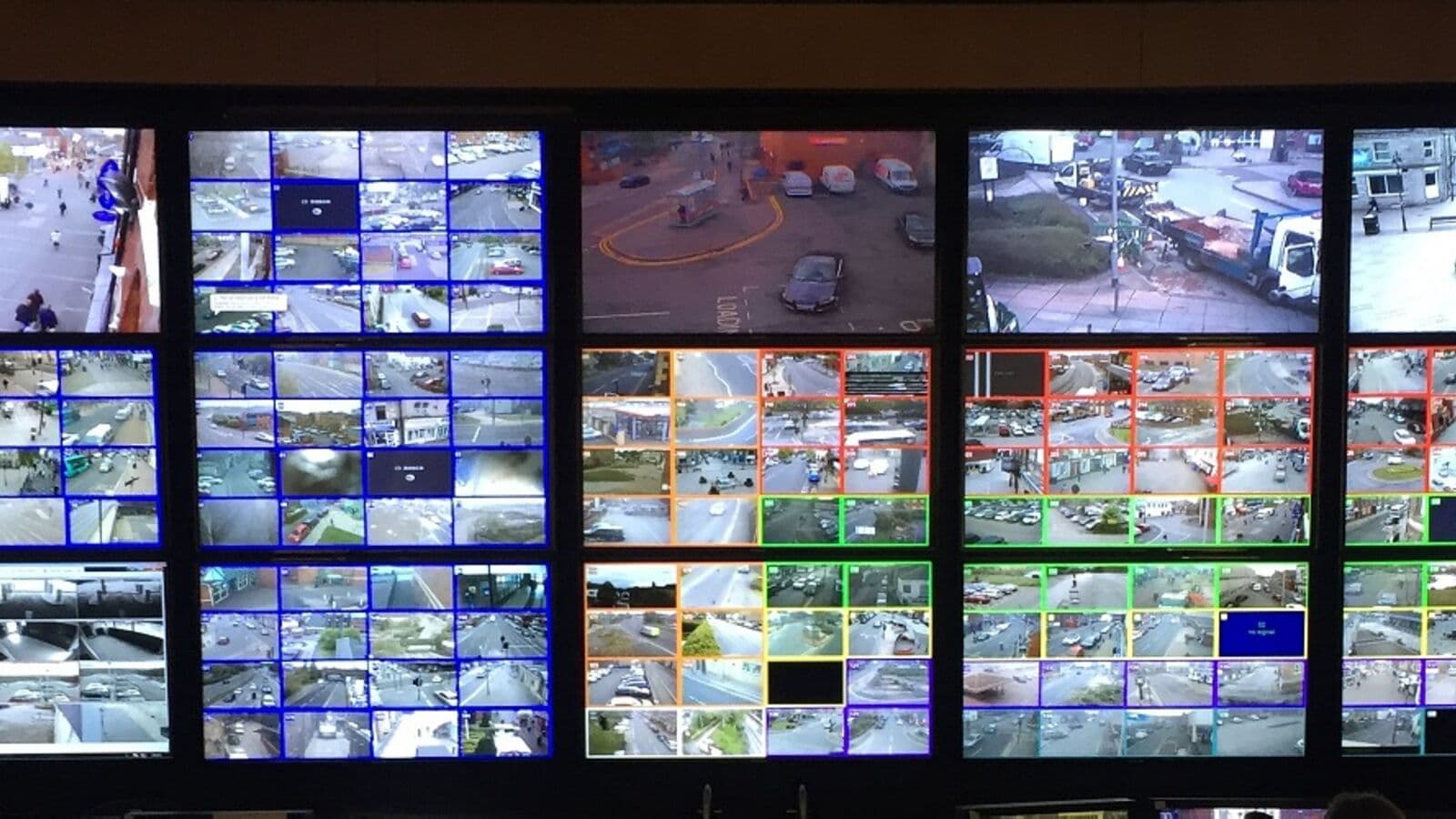
Walk into a security equipment shop in Dhaka's New Market or Mirpur DOHS and you will find both DVRs and NVRs on display, often at similar price points, with salespeople using the terms interchangeably. This confusion is costly. A business that purchases a DVR because it is cheaper upfront may find it cannot meet Bangladesh Bank's 90-day retention requirement, cannot provide remote access quality sufficient for incident management, and cannot integrate video analytics for operational intelligence — all within the first year of ownership.
The DVR and NVR are not two versions of the same product at different price points. They are fundamentally different technologies serving different camera systems. Understanding which one is right for you begins with understanding what each does and what it cannot do.
DVR: Digital Video Recorder (Analog Systems)
A DVR is designed to work with analog CCTV cameras. Analog cameras output a continuous electrical video signal over coaxial cable (RG-59 or RG-6). The DVR receives this analog signal, converts it to digital video using its internal digitiser chips, compresses it, and writes it to hard drives.
How DVRs Work
Each camera requires a dedicated coaxial cable run from the camera directly to the DVR — point-to-point wiring. A 16-channel DVR needs 16 separate coaxial cable runs plus 16 separate power cable runs, or 16 power supplies at each camera location. A 64-camera DVR installation involves 128 cable runs.
The DVR's digitiser chips are the primary limitation. They define the maximum resolution the system can capture, regardless of what resolution the cameras technically support. Many older DVRs digitise at D1 (704×480) or 960H — far below 1080p. Even HD DVRs that support HD-TVI or HD-CVI analog formats are limited to the resolution the coaxial cable can carry faithfully.
DVR Strengths
- Lower upfront camera cost for simple installations
- Works with existing coaxial cable infrastructure in buildings that were previously wired for analog
- No network configuration required — cameras connect directly to DVR
DVR Limitations
- Maximum resolution practically limited to 4MP even with HD analog formats
- Cannot support true 4K cameras
- No PoE — separate power infrastructure required at every camera point
- Remote access typically lower quality and less reliable than NVR systems
- Storage compression limited to H.264 on most units
- No AI analytics capability (DVR hardware lacks processing power for analytics)
- Fixed channel count — cannot expand beyond the DVR's hardware capacity without replacing the DVR
NVR: Network Video Recorder (IP Systems)
An NVR works with IP cameras. Instead of receiving analog electrical signals, the NVR receives digital video data over a standard IP network (Ethernet). The camera handles all digitisation and compression internally — the NVR receives a ready-made digital video stream.
How NVRs Work
IP cameras connect to network switches via Cat 5e or Cat 6 Ethernet cables. PoE switches supply power through the same cable. The NVR connects to the switch as another network device, pulling video streams from each camera's IP address.
The NVR's role is primarily storage management, playback, and remote access — not video encoding. This makes NVRs inherently more capable for recording high-resolution streams, because encoding is distributed across each camera rather than centralised in the recorder.
NVR Strengths
- Supports cameras up to 32MP resolution and beyond
- PoE simplifies installation (single cable per camera for power + data)
- H.265 and H.265+ support dramatically reduces storage requirements
- Full remote access quality — mobile apps stream the same resolution as local display
- AI analytics supported (on-camera or on-edge devices)
- Flexible architecture — cameras can be anywhere on the network, not just 100m coaxial runs from the DVR
- Multi-site capability — NVR can record cameras from remote locations over WAN
- Scalable — add cameras without replacing the recorder (up to the channel licence limit)
NVR Limitations
- Higher upfront camera cost vs. analog cameras
- Requires network infrastructure (managed PoE switches)
- Network configuration required (VLANs, IP addressing)
- Cybersecurity considerations (see our dedicated cybersecurity guide)
HVR: Hybrid Video Recorder
An HVR (Hybrid Video Recorder) is a recording system that supports both analog cameras via coaxial inputs and IP cameras via network. HVRs are specifically designed for the migration period when an organisation is moving from analog to IP.
When to Choose HVR
- You have existing analog cameras that are less than 3 years old and performing adequately
- You want to add IP cameras without replacing working analog cameras immediately
- You are planning a phased transition to full IP over 2–3 budget cycles
- Your DVR has failed and needs replacement, but analog cameras are still functional
HVRs allow you to replace your failed DVR with a system that accepts your existing analog cameras while adding IP camera channels as you expand.
Head-to-Head Comparison
| Feature | DVR | NVR | HVR |
|---|---|---|---|
| Camera type supported | Analog (coaxial) | IP (Ethernet) | Both |
| Maximum resolution | 4MP (HD analog) | 32MP+ | Mixed |
| Cabling required | Coaxial + separate power | Cat 5e/6 (PoE) | Both |
| H.265 support | Rare | Standard | Partial |
| Remote access quality | Limited | Full quality | Mixed |
| AI analytics | No | Yes | Limited |
| Power over cable | No (separate power) | Yes (PoE) | Partial |
| Multi-site recording | No | Yes | Limited |
| Expandability | Fixed channels | Flexible (licences) | Fixed analog + flexible IP |
| Typical cost | Lower | Similar-Higher | Similar-Higher |
Bangladesh Bank Compliance: Why NVR Is the Right Choice
Bangladesh Regulatory Callout
Bangladesh Bank's ICT Security Guideline v4.0 mandates:
- CCTV at all bank branches with 90-day retention
- HD-quality footage sufficient for investigation
- Biometric access control for IT rooms with CCTV coverage
- Logical network separation of security systems
These requirements align strongly with NVR systems:
- 90-day HD retention is economically viable only with H.265 NVRs
- HD resolution requires IP cameras, not analog
- VLAN separation of camera traffic is a standard NVR/network switch configuration
- NVR remote access allows branch footage review from centralised compliance teams
Banks maintaining aging DVR systems should treat Bangladesh Bank compliance as the compelling event for NVR migration. The storage cost savings from H.265 NVRs typically fund a significant portion of the camera upgrade cost.
Migration: From DVR to NVR Without Replacing All Cameras
Many businesses hesitate to migrate from DVR to NVR because they believe it requires replacing all cameras simultaneously. This is not correct. Three approaches allow gradual migration:
Approach 1: Analog-to-IP Video Encoders
Video encoders convert analog camera signals to IP streams. You connect your existing coaxial cable to the encoder, which transmits the analog video as an IP stream on your network. The NVR records this stream just like a native IP camera.
Best for: Sites with good-quality coaxial cable, cameras less than 5 years old, and migration budgets spread over multiple years.
Limitation: The maximum resolution is still limited by the analog camera's capability. You gain NVR benefits (centralised management, remote access improvement, H.265 storage) but not resolution improvements until you eventually replace cameras.
Approach 2: HVR as Intermediate Step
Replace the DVR with an HVR that accepts your existing analog cameras plus new IP cameras. As analog cameras fail or need replacement, substitute IP cameras. Over 2–3 years, the system transitions fully to IP.
Best for: Sites where the existing DVR is failing or reaching end-of-life, and a complete replacement is needed anyway.
Approach 3: Zone-by-Zone Migration
Define priority zones (teller counters, vault, IT room) and migrate those to NVR + IP cameras first. Maintain existing DVR for secondary cameras. This requires two parallel recording systems temporarily but focuses the highest-resolution investment on compliance-critical points.
Best for: Bangladesh Bank-regulated facilities needing to bring specific compliance points to HD immediately while managing overall budget.
NVR Recommendations by Site Size
Small Sites (8–16 Cameras): Hikvision DS-7616NI-K2
16-channel NVR, supports up to 12MP cameras, H.265+, built-in 2-bay storage (supports up to 16TB with 8TB HDDs), PoE not built-in (requires separate PoE switch), suitable for office buildings and small retail. Approx. BDT 25,000–35,000.
Medium Sites (32–64 Cameras): Hikvision DS-9632NI-I8 or Dahua NVR5864-XI
64-channel NVR, 8 HDD bays, H.265+, supports 4K cameras, built-in RAID storage. Suitable for factories, hospitals, and corporate headquarters. Approx. BDT 80,000–150,000 (NVR body only, HDDs additional).
Enterprise Sites (64–256+ Cameras): Hikvision iDS-96128NXI-I24(B)
128-channel enterprise NVR, 24 HDD bays, hardware RAID 5/6, H.265+, 4K decoding, analytics server functionality, redundant power supply. Suitable for multi-floor corporate complexes and large industrial facilities. Approx. BDT 350,000–600,000.
Multi-Site Enterprise: Hikvision HikCentral Pro or Dahua DSS Enterprise
Software-based Video Management System replacing traditional NVR hardware for 100+ cameras across multiple sites. Runs on standard server hardware. Centralised management of all sites from a single console. Required for banks managing footage from 50+ branches. Pricing based on camera licence count.
Pro Tip: Always purchase surveillance-grade hard drives (Hikvision-certified, Western Digital Purple, Seagate SkyHawk) rather than desktop drives. Standard desktop drives are not designed for 24/7 write cycles and have significantly shorter lifespans in NVR applications. The annual failure rate of desktop drives in continuous recording is 5–10× higher than surveillance-grade drives.
Bosch Recording Systems for Enterprise Bangladesh
Bosch DIVAR IP systems are specified for enterprise and banking deployments requiring premium reliability and deep integration with Bosch Video Management System (BVMS):
DIVAR IP 7000 R3: 16–64 camera capacity, 8 HDD bays, hardware RAID, H.265, Bosch and ONVIF camera support, designed for 24/7 operation in demanding environments.
BVMS Enterprise: Multi-site VMS supporting thousands of cameras across unlimited sites. Used by large financial institutions and critical infrastructure operators in Bangladesh.
Key Takeaways
- DVRs work with analog cameras via coaxial cable — limited to 4MP resolution, no H.265 storage efficiency, no AI analytics
- NVRs work with IP cameras via Ethernet — support 4K+, H.265, PoE, AI analytics, and remote access quality
- HVRs support both analog and IP cameras — the correct transitional solution for sites migrating from analog to IP
- Bangladesh Bank's 90-day retention requirement strongly favours NVR (H.265 efficiency) over DVR
- Migration from DVR to NVR does not require replacing all cameras simultaneously — encoders and HVRs allow phased transitions
- Always purchase surveillance-grade HDDs for any recording system — desktop drives fail rapidly in 24/7 recording applications
Ready to Choose Your Recording System?
SSAL designs and installs NVR, DVR, and HVR recording systems from Hikvision, Dahua, and Bosch across Bangladesh. Our technical team surveys your site, calculates your storage requirements, and specifies the right recording system to meet your camera count, resolution, retention period, and budget.
Contact SSAL for a free recording system consultation:
- Phone: +880 1799-986890
- Email: info@smartsafety.com.bd
- Web: www.smartsafety.com.bd
- Office: Youth Tower Level 2, 822/2 Rokeya Sarani, Dhaka-1216
Planning to migrate from DVR to NVR? Request a free migration assessment from our team — we evaluate your existing cameras, cabling, and infrastructure, and provide a phased migration plan with costs and timelines for each stage.
Filed under
- NVR
- DVR
- HVR
- recording system
- CCTV
- Bangladesh Bank compliance
- Hikvision NVR
- Dahua NVR
- video recorder
- surveillance
SSAL Technical Team
SSAL engineering team — Bangladesh-focused technical writing on security, fire-safety, ICT, and building technology.
Related Articles
4K Ultra-HD CCTV Cameras: Is the Extra Resolution Worth It for Your Business?
Is 4K CCTV worth the investment? Understand identification distances, storage costs, and the right use cases for 4K surveillance in Bangladesh facilities.
OpenAI-Powered Video Analytics: A Complete Guide for Bangladesh Enterprise Decision-Makers
Understand AI video analytics for Bangladesh enterprises. People counting, LPR, facial recognition, PPE compliance, and ROI analysis from SSAL's experts.
OpenThe Complete CCTV Buying Guide for Bangladeshi Businesses: 10 Questions to Ask Before You Buy
10 essential questions to answer before buying CCTV for your Bangladesh business. Coverage, compliance, analytics, maintenance, and vendor evaluation from SSAL.
OpenNeed Help Choosing the Right Solution?
SSAL engineers respond to RFQ submissions within 1 business day with a scoping call request.
- 48-hour site survey
- Free consultation
- 24/7 priority support